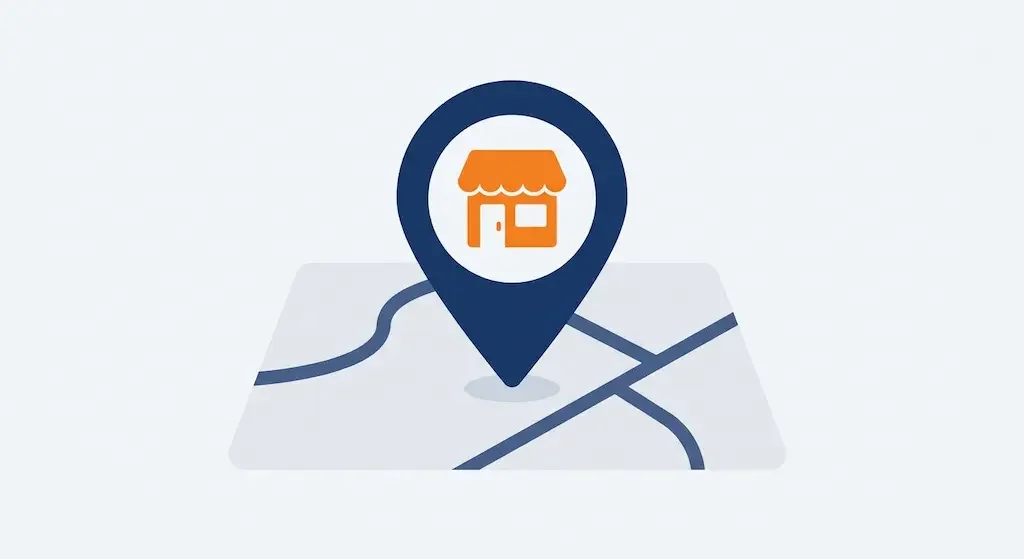
Someone searching “plumber near me” or “restaurant open now” expects results tied to their location, often with a map at the top of the page. The LocalBusiness schema is how a business explicitly tells Google where it is, when it’s open and how to reach it, improving the odds of showing up in those local results.
What the schema declares
A well-written LocalBusiness block includes the business name, full address, phone number, opening hours and business category (restaurant, law firm, shop). A minimal example:
{
  "@context": "https://schema.org",
  "@type": "LocalBusiness",
  "name": "Business name",
  "address": {
    "@type": "PostalAddress",
    "streetAddress": "123 Main St",
    "addressLocality": "Chicago",
    "postalCode": "60601",
    "addressCountry": "US"
  },
  "telephone": "+1 312 555 0100"
}
Schema and Google Business Profile are two different things
The LocalBusiness schema on the site and the Google Business Profile (the profile you manage directly on Google) are two distinct tools that reinforce each other, one doesn’t replace the other. The profile is what appears directly on the map and side panel of results; the schema helps Google confirm and connect that data starting from your own site.
Data consistency (NAP)
NAP stands for Name, Address, Phone: name, address and phone number should appear identical, character for character, across the site, the schema, the Google Business Profile and any directory listing the business. An address written slightly differently in two places (for example “123 Main St” versus “123 Main Street”) can confuse Google about which one is correct.
FAQ
Does LocalBusiness schema replace Google Business Profile?
No, they’re complementary. Google Business Profile is what generates the listing visible on the map and in local results; the schema on the site reinforces and confirms that same data from an independent source.
A business with only the Google profile, no schema on the site, can still show up in local results. Having both increases the consistency of the signals Google receives.
Do I need a physical location to use LocalBusiness schema?
Yes, in principle: the schema is meant for businesses with a physical address customers can visit. An online-only business, with no location open to the public, usually doesn’t need it.
Variants of the schema exist for businesses that travel to the customer instead of receiving them (e.g. plumbers, electricians), which let you declare a service area instead of a visitable physical address.
What happens if my contact details differ between my site and Google Maps?
Google can lose confidence in which version is correct, with the risk of showing outdated or wrong data, or giving less weight to the profile in local results.
It’s worth periodically checking that name, address and phone number are identical, character for character, across every platform where the business appears.
Does LocalBusiness schema also help national rankings, not just local ones?
Not directly: its main purpose is local search. For general rankings, other factors matter more, like quality content and broader structured data like Organization.
The two aren’t mutually exclusive: a business can have both LocalBusiness schema for local search and other structured data for the rest of the site.
How do I check that my LocalBusiness schema is correct?
Google’s Rich Results Test reads a page’s address and shows whether the schema is being interpreted correctly, flagging any errors or missing fields.
Our free audit also checks for an address inside LocalBusiness schema, as one of the page’s trust signals.
This article is for informational purposes. SEO results depend on many factors and timelines vary by site.