
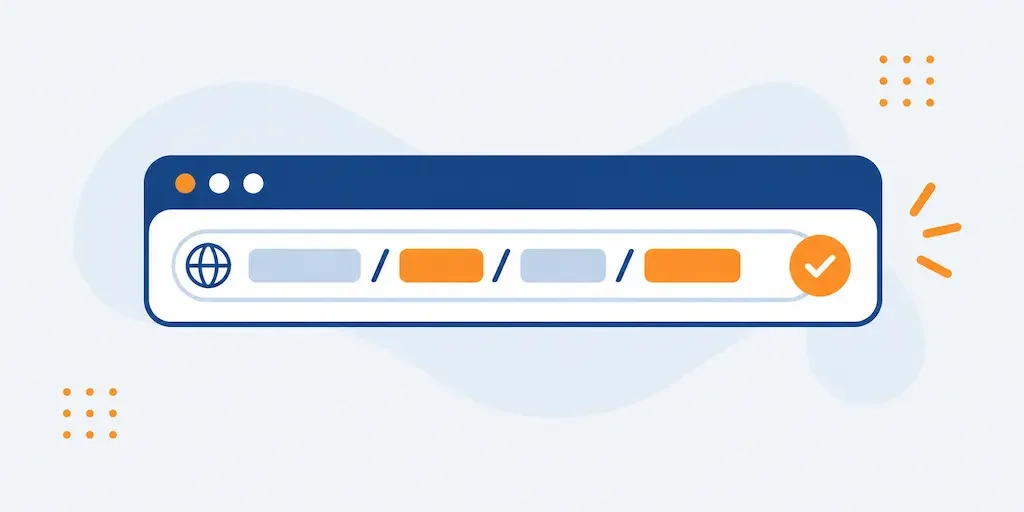
An address like yoursite.com/product?id=48291&cat=12 tells a reader almost nothing, and it takes Google more work to figure out what the page is about too. URL structure isn’t a cosmetic detail: a clear address helps someone know where they’re headed before they even read the title, and it helps search engines connect the page to the right topic.
What makes a URL readable
A good address describes the page’s content with real words, not codes or internal database numbers. yoursite.com/mens-running-shoes communicates the topic instantly; yoursite.com/p=48291 doesn’t, either to a visitor or to a search engine trying to understand the page without opening it.
Four practical rules
- Short but complete Long enough to be clear, short enough to stay readable. Avoid cramming in every category and subcategory on the site.
- Hyphens, not underscores Google reads
key-wordas two separate words, whilekey_wordrisks being read as a single one. Hyphens remain the standard. - Lowercase, always
/Mens-Shoes/and/mens-shoes/can be treated as two different addresses, with the risk of duplicate content. - No unnecessary parameters Session IDs, tracking codes or temporary filters in the address create endless variants of the same page, which confuses crawling.
Changing URLs on a site that’s already live
If a site already exists with unclear addresses, changing them carries a real risk if not done properly: every old address must redirect with a 301 redirect to the new one, or you lose the links other sites point to that page and the ranking it already earned. It isn’t work to take lightly, and it’s only worth doing if the benefit is concrete, not for cosmetic preference.
Dates or IDs in the path
An address like /2019/03/seo-article/ ties the page to that date forever, even if the content gets updated years later, a detail that can discourage a click on a search result by making it look outdated. A path with no date leaves the content free to be updated without looking stale.
FAQ
Do short URLs rank better than long ones?
It isn’t length itself that matters, but clarity. A short, vague address is worth less than a slightly longer one that’s precise about the page’s topic.
Google itself has never stated an ideal length: the goal is that a person understands the page’s content just by reading the address, not hitting a character count.
Should I include the keyword in the URL?
Yes, when it comes naturally: it helps both readers and search engines understand the page’s topic right away.
Don’t force it if it makes the address clunky or repetitive compared to the title. A natural URL, read aloud, should make sense.
Should I use hyphens or underscores in my URLs?
Hyphens. Google confirms it reads the hyphen as a word separator, while an underscore can be interpreted as part of a single word.
If your site has used underscores for years already, only consider changing this alongside a redirect plan: it isn’t worth doing for this detail alone.
Does changing an existing site’s URLs cause a ranking drop?
It can, but only if the redirects aren’t done properly. With a correct 301 redirect on every old address, the loss is minimal or nonexistent over time.
The real risk is forgetting some addresses, or redirecting everything to the homepage instead of the matching page. A broken link check after the migration helps catch these.
Are uppercase letters in a URL a problem?
They can be, because /Page/ and /page/ are technically two different addresses to a web server, with the risk of being treated as duplicate content.
The simplest fix is to always use lowercase across the whole site, right from the start, so the issue never comes up.
This article is for informational purposes. SEO results depend on many factors and timelines vary by site.