
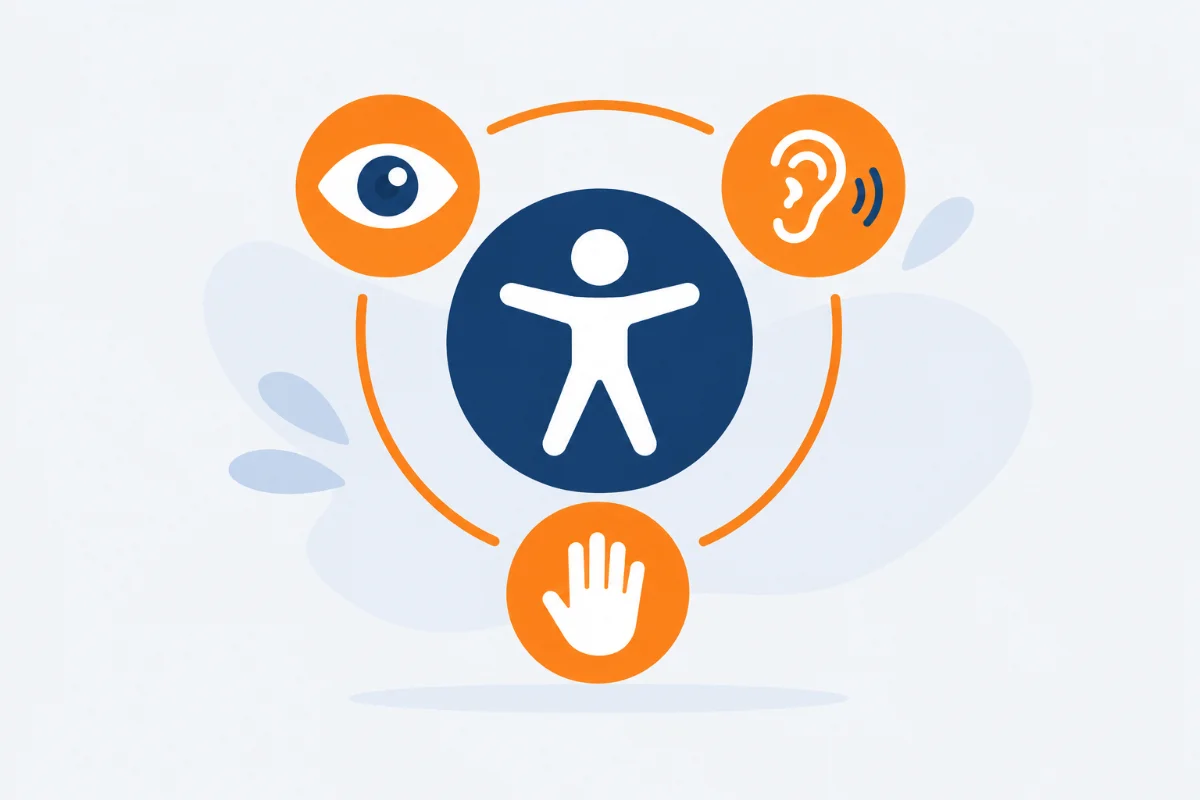
Web accessibility means designing a site so that anyone can use it, whatever their abilities and whatever device they use. It isn’t a ranking factor Google has confirmed, but many accessible practices coincide with what helps a search engine understand a page: clear content, an orderly structure, no ambiguity.
What “accessible” means
People who can’t see use a screen reader that reads the page aloud. People with motor difficulties navigate with the keyboard. People on a slow connection read the text before the images load. The technical reference is the WCAG (Web Content Accessibility Guidelines) from the W3C, with three conformance levels: A, AA and AAA. Level AA is the one usually taken as the goal.
Six practices that help everyone
- Alt text The
altattribute describes the image to people who can’t see it, and it’s what Google reads to understand it.alt="image"helps nobody,alt="chart of organic traffic growth in 2026"helps everyone. - Heading hierarchy One H1, then H2 and H3 in logical order, with no skipped levels. Screen reader users jump from heading to heading to find their way, and the same structure tells Google how the text is organized.
- Link text “Read the guide to structured data” says where the link goes, “click here” doesn’t. It works for people listening to the page and for search engines.
- Color contrast For normal text, WCAG level AA asks for a contrast ratio of at least 4.5 to 1, and 3 to 1 for large text. Light gray on white looks elegant but is hard to read, especially in sunlight.
- Keyboard navigation Try using the site by pressing only the Tab key: every link and button must be reachable, with a visible outline on the selected one.
- Form labels Every field has an associated label, so screen reader users know what to type and the form is clearer for everyone.
How to check
Automated tools, such as the Lighthouse Accessibility category, WAVE or axe, detect only some of the problems. Complete them with two manual tests: navigate with the keyboard and listen to a page with a screen reader, for example VoiceOver on Mac or NVDA on Windows. The first fixes are often alt text and headings, the same ones you’ll find among the most common on-page mistakes.
FAQ
Does improving accessibility raise my rankings?
It isn’t a ranking factor Google has confirmed, but many practices coincide with what search engines evaluate: clear structure, alt text, readable content.
The most concrete benefit is for visitors: a site that’s easier to use tends to be abandoned less. Treat it as a quality improvement, not a trick to climb the rankings.
Do I need a consultant to make a site accessible?
For full WCAG conformance, often yes. Basic improvements, such as alt text, headings, contrast and clear links, you can do yourself.
A consultant is useful for in-depth checks, for example on complex forms, interactive elements or large sites.
Is accessibility only about visual impairments?
No: it also covers motor, hearing and cognitive difficulties, and temporary situations such as a broken arm, a screen in sunlight or a slow connection.
Captions and transcripts for videos, for example, help people who can’t listen to the audio and also those watching in silence on a train.
Is there a legal requirement for website accessibility?
It depends on the type of site: in Europe the European Accessibility Act, applicable from 28 June 2025, sets web accessibility requirements for some digital services, such as e-commerce.
There are exemptions, for example for microenterprises providing services, and public sector websites are covered by their own rules. To find out whether your site is in scope, ask a professional: this article is not legal advice.
How do I check color contrast?
With a contrast checker, such as WebAIM’s free one: enter the text color and the background color and you get the ratio.
Chrome’s developer tools also show the contrast ratio in the color picker. The goal is at least 4.5 to 1 for normal text and 3 to 1 for large text.
This article is for informational purposes. SEO results depend on many factors and timelines vary by site.